

Pricing
Simple plans for every voice note.
Capture thoughts effortlessly with the free tier or upgrade to unlimited notes for nonstop creativity.
Free
Perfect for getting started with Odie.
- Record up to 5 notes
- Speak naturally and get clean, structured notes.
- Automatically organized with auto tagging.
- Record and add to existing notes.
- Safe words for better transcription.
- Copy & export anywhere as Markdown.
Pro
Most popularFor power users who never want a limit.
- Unlimited notes
- Speak naturally and get clean, structured notes.
- Automatically organized with auto tagging.
- Record and add to existing notes.
- Safe words for better transcription.
- Copy & export anywhere as Markdown.
Questions before you download.
Everything you need to know about Odie pricing and availability.
How does the free tier work?+
The free tier lets you record up to five notes with unlimited length, automatic tagging, and every core feature included.
What changes when I upgrade to Pro?+
Pro unlocks unlimited notes while keeping all of the same transcription, organization, and export features.
Can I switch between monthly and yearly billing?+
Yes. You can choose $9.99 monthly or save with the $49.99 yearly plan, and change anytime in the App Store settings.
Is Odie available on other platforms?+
Right now Odie is available exclusively on iOS. The App Store download gives you the full experience.
Built for people who think out loud and ship faster.
From first capture to finished note, Odie helps users keep ideas usable instead of buried in voice memo backlog.
I talk through ideas on walks and Odie turns the ramble into clean, structured notes I can reuse later. It feels like thinking out loud, but actually getting something back.
Anna S.
The automatic tags are magic. I can find a half-formed idea weeks later without remembering where I put it.
David K.
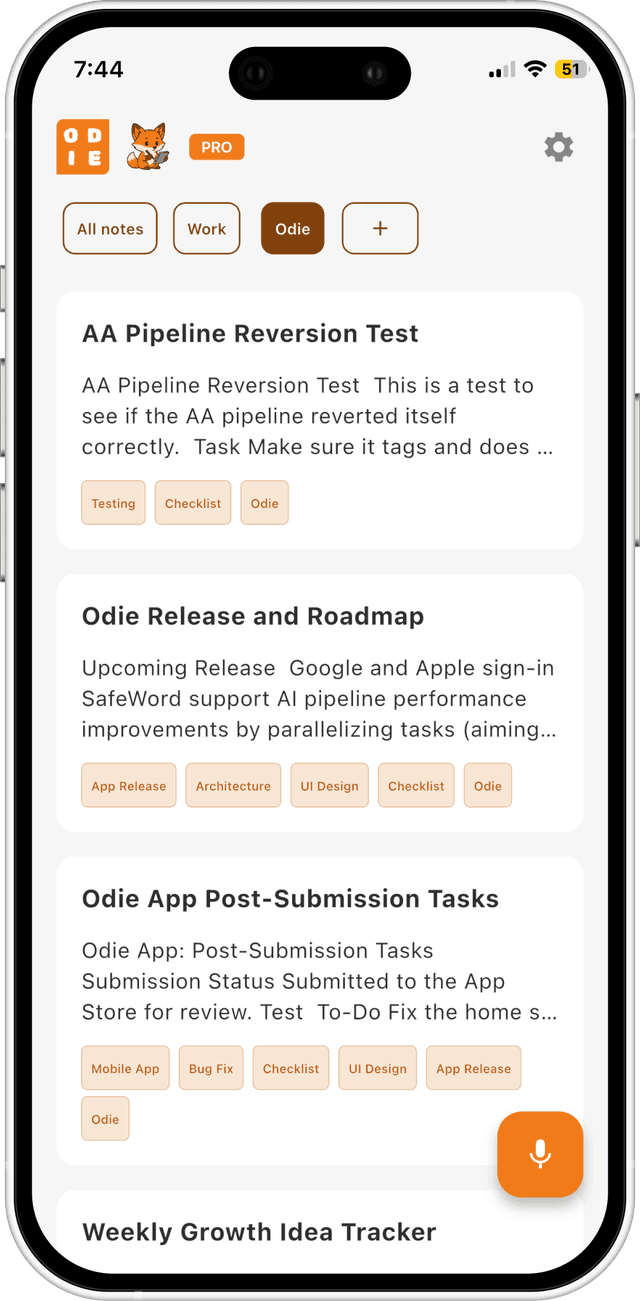
Appending new thoughts to the same note keeps my projects coherent. No more scattered voice memos or duplicate notes.
Rachel L.
Safe Words nailed my client names, and exporting to Markdown made it easy to drop into Notion. It feels built for real use.
Michael P.